Skip the App Store: When a PWA Beats a Native MVP
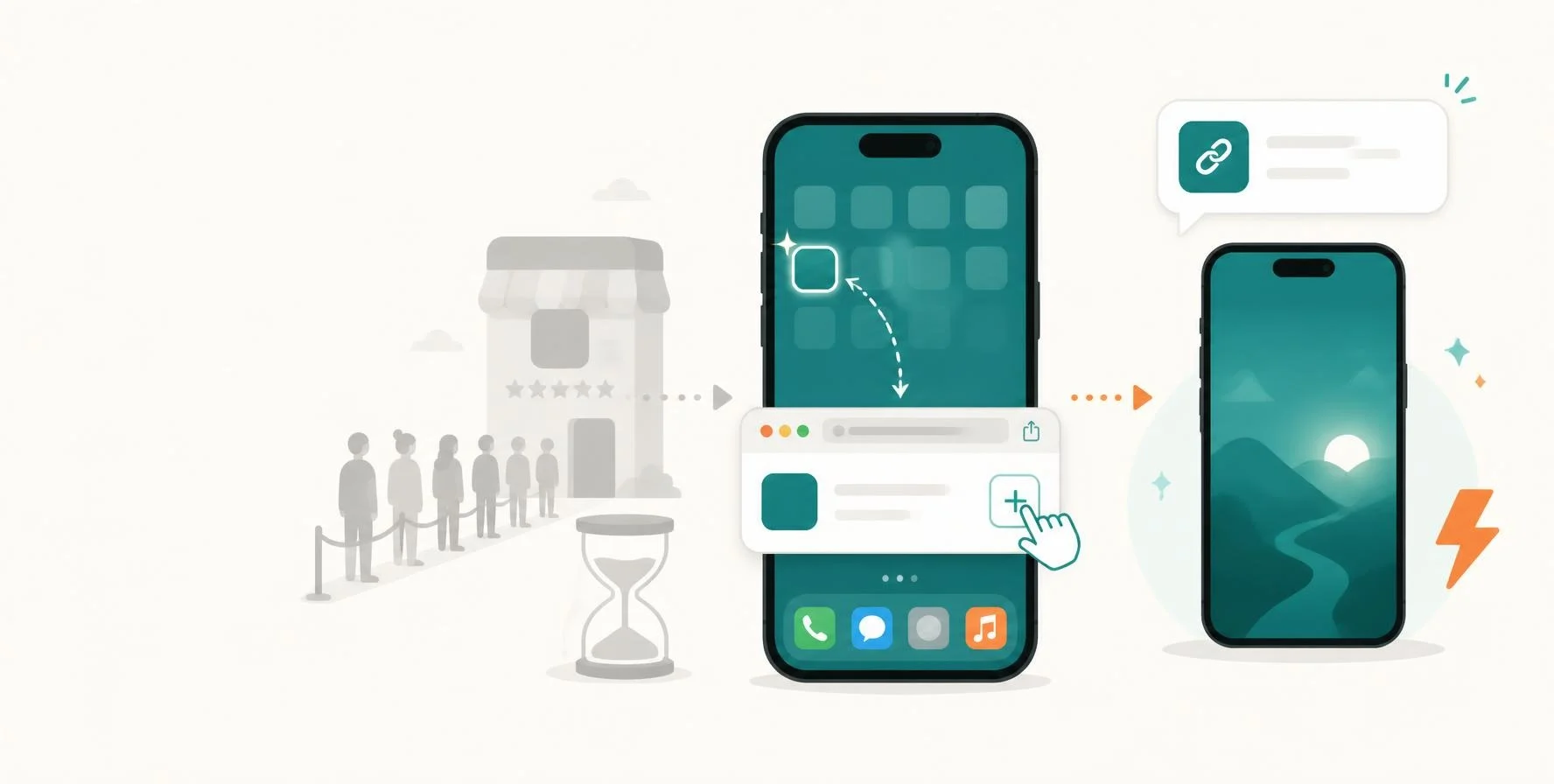
Founders often ask "iOS or Android first?" before asking whether they need either yet. Here is what a PWA can do today, where it still falls short, and the five signals that mean it's time to go native.
The hidden cost of going native first
Most MVPs don't need the App Store on day one. A Progressive Web App (PWA) can put your product on a user's home screen in weeks, from one codebase, with no store review in the way.
Yet the first question many founders bring me is "iOS or Android first?" Before that comes a better question: do you need either yet?
Going native first usually means:
- Two codebases or a cross-platform layer. Swift and Kotlin, or Flutter and React Native, plus a web admin panel anyway.
- Store reviews on every release. A one-line fix can wait days for approval. A rejection can wait longer.
- Store fees on digital sales. Apple and Google take a cut of many in-app payments.
- Install friction. Every user must find you, tap Install, wait for the download and grant permissions before seeing any value.
At the MVP stage, your job is to learn fast and cheaply. Anything that slows each release cycle slows that learning. In 26+ years of building products, I've watched more startups run out of runway waiting on releases than on missing native features.
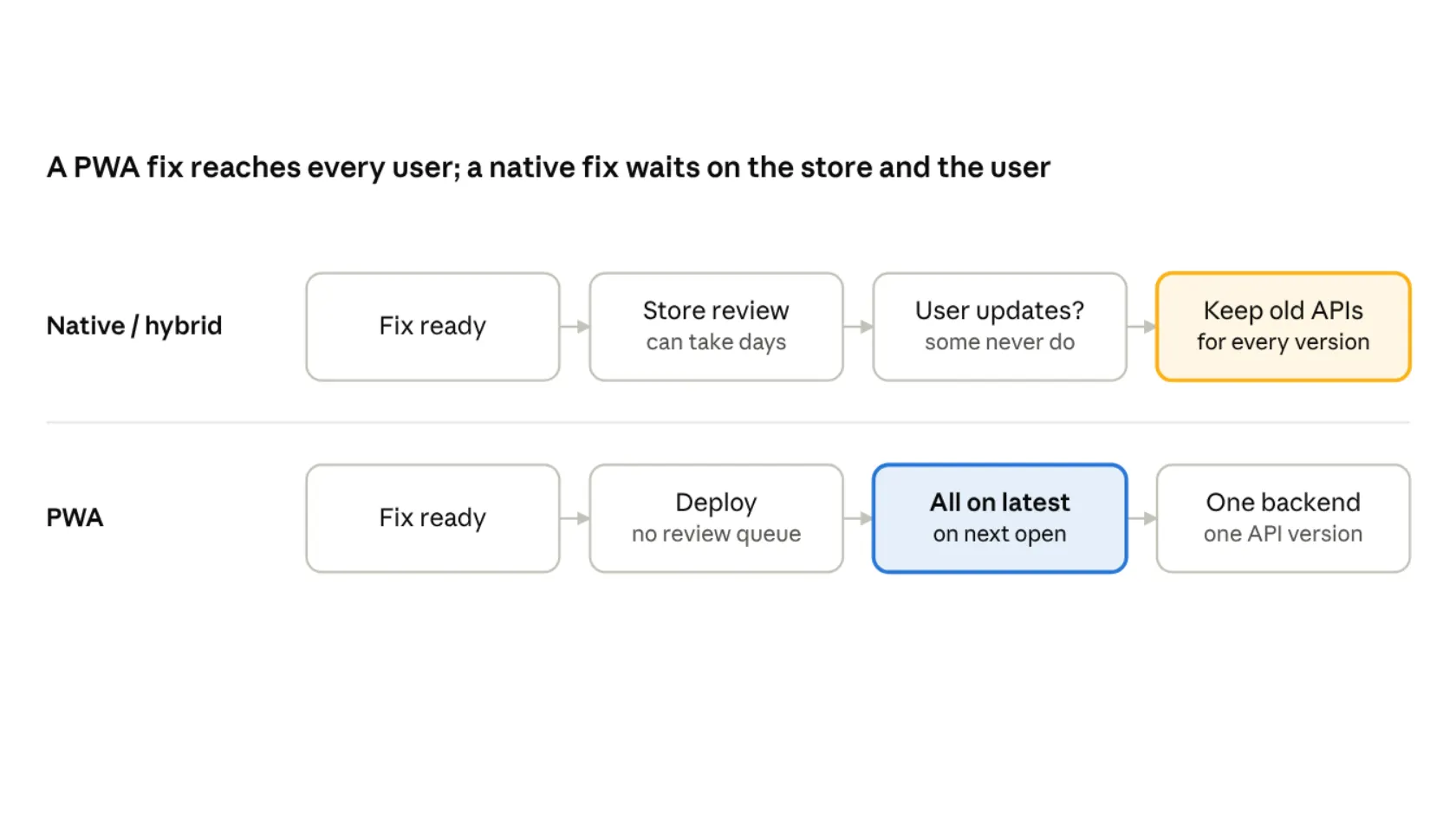
Release flow: native/hybrid app vs PWA
| Native or hybrid | Progressive Web App |
|---|---|
| Store review can take days | Deploy without a review queue |
| Some users never update | Users get the fix the next time they open it |
| Keep old APIs for every app version | One backend and one API version |
With a native app, every release waits on store review and on each user choosing to update, so your backend must keep serving old app versions. With a PWA, users get the fix the next time they open it.
What a PWA can do today
A modern PWA covers what most MVPs need from an app. It is a website built to behave like one: installable, fast and usable on a weak connection.
| Capability | PWA today | What it means for your MVP |
|---|---|---|
| Install to home screen | Yes (Android prompts; iPhone via Share → Add to Home Screen) | Users "get the app" from your link, ad or QR code |
| Push notifications | Yes, including iPhone for installed PWAs | Re-engage users without an app store listing |
| Offline and poor networks | Yes, via service worker and local storage | Core screens load on 2G-quality connections |
| Camera, files, location | Yes | Profile photos, document upload (KYC), maps |
| Login | Yes: OTP, Google, email, passkeys | Same sign-in options users expect from apps |
| Updates | Instant on next open | Ship a fix today; no review queue |
| Payments | Web gateways (Stripe, Razorpay, PayFast and others) | No store commission on digital goods |
One link works on every phone, tablet and laptop. It is also indexable by Google, which a native app's screens are not. For a startup that relies on search and shared links, that alone can justify the choice.
Where PWAs still fall short
A PWA is not the right answer for every product. Be honest about these limits before you commit.
- iPhone is the weak spot. Safari supports fewer device features than Chrome on Android. There is no automatic install prompt, and background tasks are restricted.
- Deep hardware access. Bluetooth, NFC, background location and wearables are limited or unavailable, especially on iPhone.
- Heavy graphics and real-time media. 3D games, advanced video editing and AR still run better native.
- Store discovery. Some audiences search the App Store first. If your growth plan depends on store search, a PWA alone won't show up there.
- Perceived trust. In some categories, such as banking, users expect a store listing before they trust an app.
Browser support changes every year, so check current iOS behaviour against your exact feature list before deciding.
5 signals it's time to go native
Start with a PWA unless one of these is true on day one. If two or more are true, plan for native or React Native from the start.
- Your core feature needs hardware the browser can't reach. Think Bluetooth devices, NFC payments or always-on background GPS.
- Most of your users are on iPhone and need features Safari restricts. Check your feature list against current Safari support, not last year's.
- Performance is the product. Games, video editors, AR and heavy real-time media.
- App store search is your main acquisition channel. If users find you by browsing the store, you need to be in it.
- Your market expects a store app to trust you. Common in banking, regulated fintech and some healthcare products.
PWA or native: five-question decision flow
Work through these five questions. Any yes points to native for that need; two or more yes answers mean you should plan native from day one.
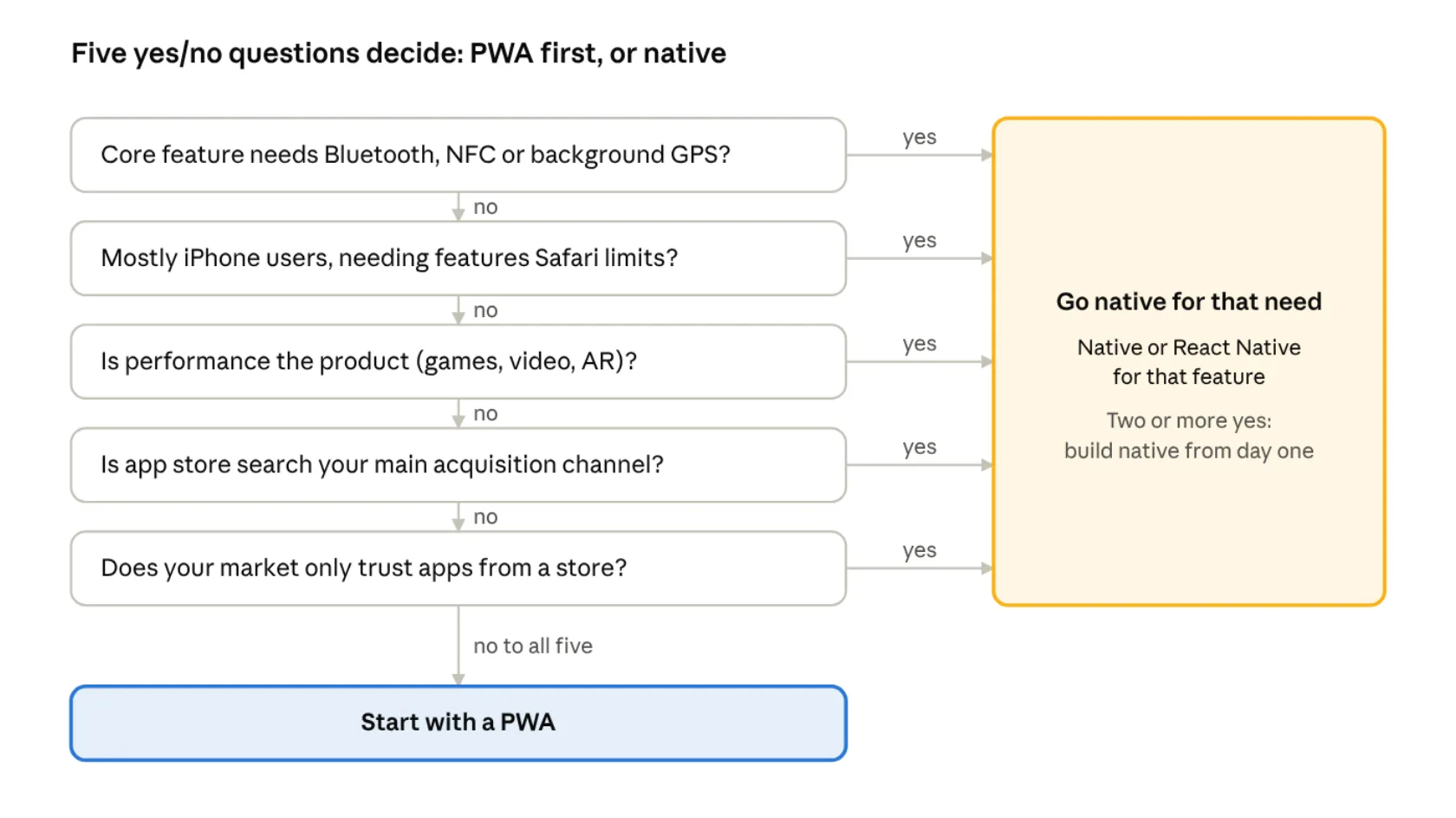
- Does your core feature need Bluetooth, NFC or background GPS?
- Are most of your users on iPhone and do they need features Safari limits?
- Is performance the product, as with games, video or AR?
- Is app store search your main acquisition channel?
- Does your market only trust apps from a store?
If all five answers are no, start with a PWA. You can keep the option to go native later, once users and revenue justify the cost.
What I've shipped as PWAs, and why
I default to PWAs for most MVPs I architect. The most recent is Rawa Rajput Matrimony, a matchmaking platform for the Rawa Rajput community that launched in late September 2026.
A matrimony product is a strong PWA case. Families share profile links on WhatsApp, so a link that opens straight into the app matters more than a store listing. Nobody has to install anything to see a profile: they tap the link and it opens instantly in the browser. Anyone who wants to come back can tap Install to add a shortcut to their home screen. The architecture behind it:
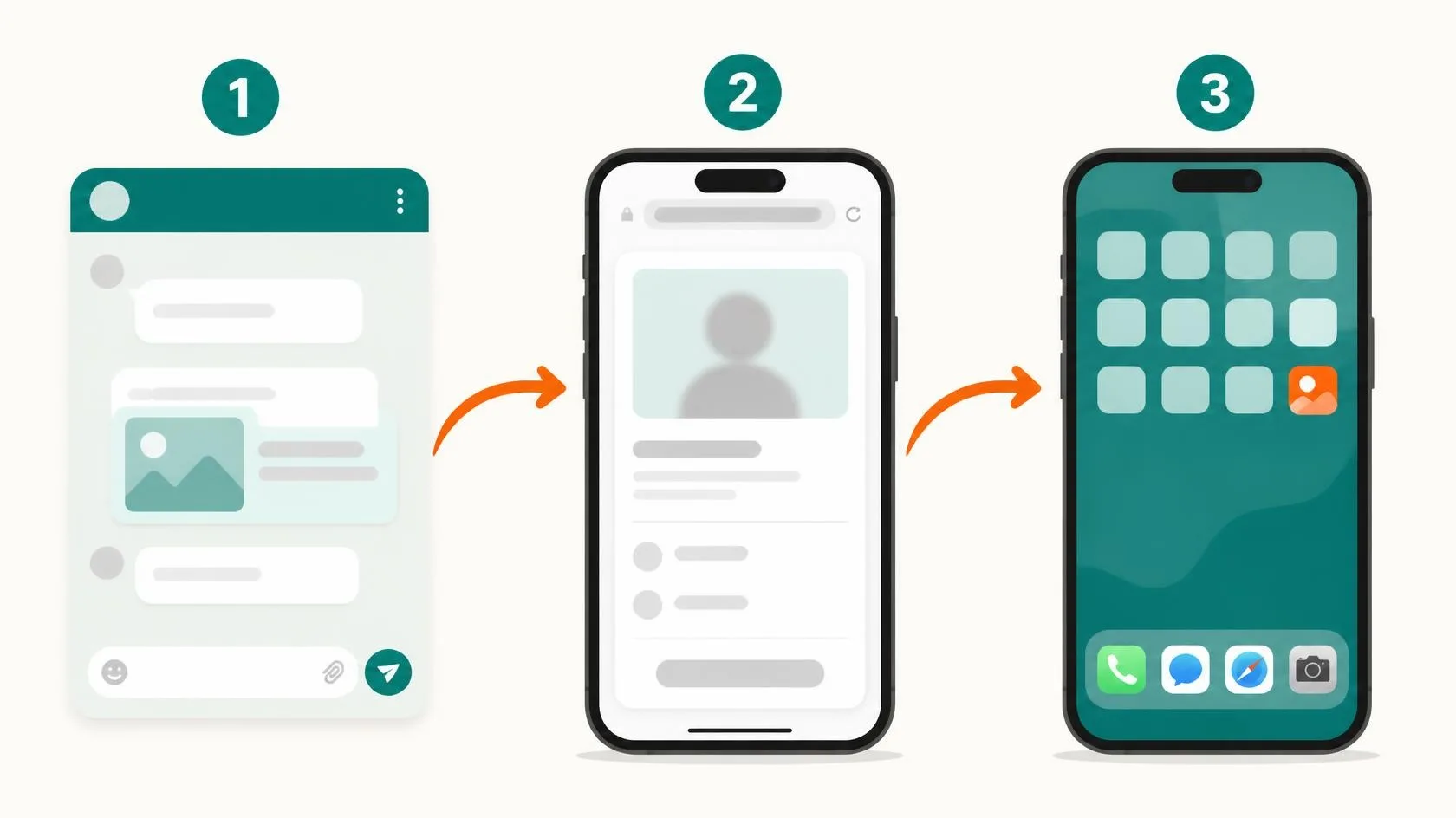
- Next.js PWA with a service worker for asset caching and an installable home-screen app.
- OTP login by mobile number, plus Google and email via Firebase Auth, so users sign in the way they already do.
- Push notifications through FCM, sent only from the backend, for new interests, likes and matches.
- Encrypted local storage (IndexedDB) so profiles load fast and stay private on shared family phones.
- Background sync that retries actions when the connection comes back.
- Public, search-indexed profile pages for SEO, with contact details kept behind login.
We launched without waiting on any store review, and every fix since has gone live the same day. It also removes a hidden technical burden. With native or hybrid apps, many users never update, so you must version the app and keep older backend API versions running so their installs don't break. With a PWA, every user gets the latest version the next time they open it, so we maintain one frontend and one backend version.
| Product | Industry | Why PWA fit |
|---|---|---|
| Rawa Rajput Matrimony | Community matchmaking | Link sharing, low install friction, private data on shared phones |
| Rent Management | Rental management (PropTech) | Landlords and tenants on mixed devices; rent reminders by push and WhatsApp |
| School Management ERP | EdTech | 15+ user roles (parents, teachers, drivers) on one codebase, no store approvals |
| Photographer marketplace | Creative services | Portfolios and galleries shared as links; geo-matched jobs |
Does it change by region?
The PWA case holds globally, but the reasons shift by market. Here's what I'd weigh in each of the four regions I work across.
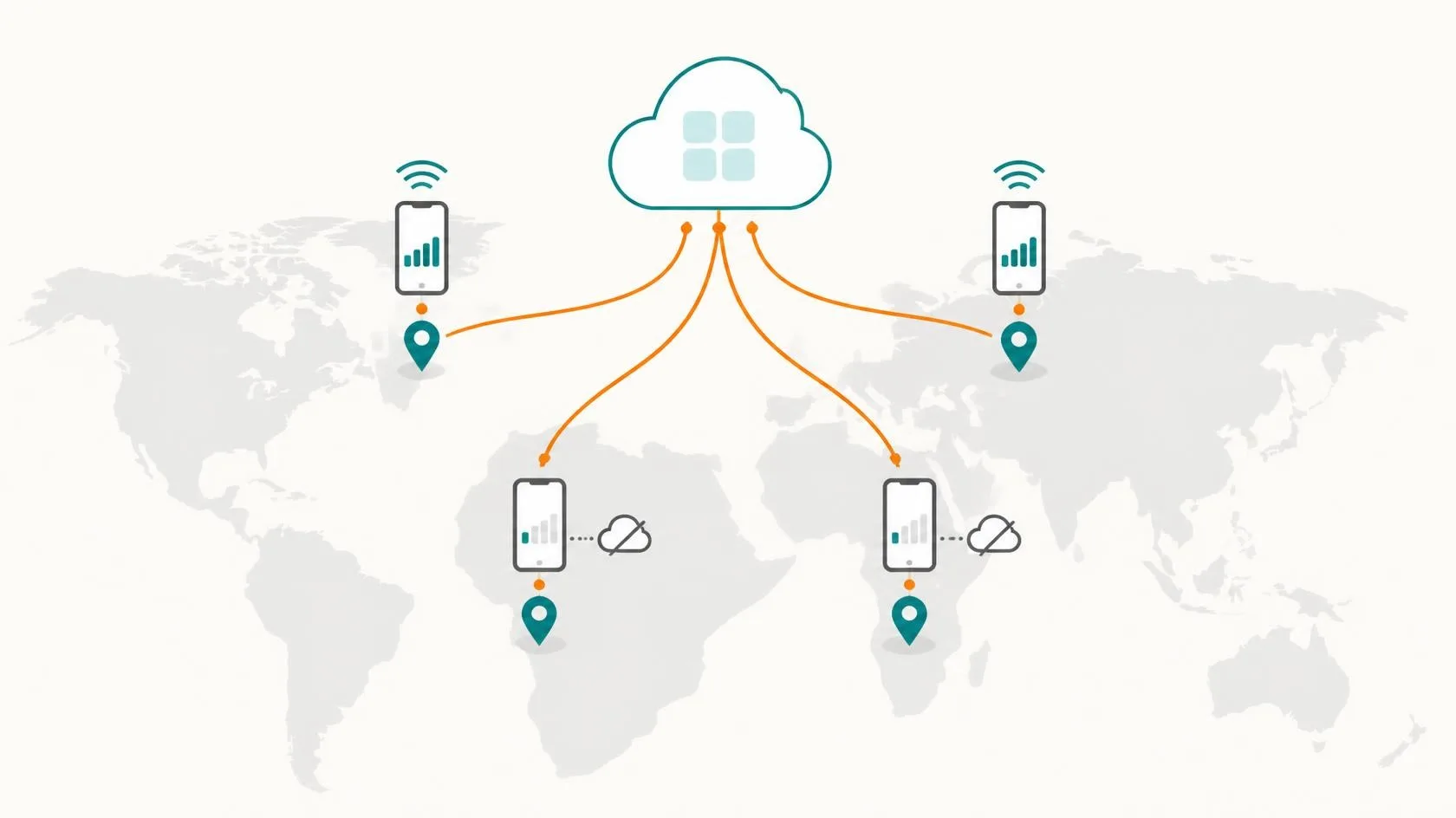
| Region | What favours a PWA | What to check first |
|---|---|---|
| India | Android-heavy, data-conscious users; WhatsApp link sharing drives discovery | Performance on low-end Android phones; OTP delivery reliability |
| Africa | Android-heavy; data costs make large app downloads a barrier | Offline behaviour on patchy networks; mobile-money payment flows (e.g. M-Pesa, Paystack) |
| Middle East | Fast mobile networks; quick launch across several Gulf markets from one codebase | iPhone share is typically higher, so test Safari features first; Arabic and right-to-left layouts |
| Europe | Avoids store commission on digital sales; one codebase across many EU languages | GDPR consent flows; iOS PWA behaviour under current EU rules |
A practical rule: if your target market is Android-first, a PWA is almost always the right MVP. If it is iPhone-first, test your must-have features in Safari before you commit.
The upgrade path: PWA now, native when it pays
Choosing a PWA is not a dead end. Built right, it is the first stage of your mobile strategy.
- Build API-first. Keep all business logic in your backend API, not the frontend. A native app later reuses it unchanged.
- Use React (Next.js) for the PWA. Your team can move to React Native and share skills, patterns and some code.
- Measure what users actually do. Track installs, push opt-ins and the features they ask for.
- Go native for a reason. When a signal from the list above appears, build native for that need, not for prestige.
- Keep the PWA live. It still serves link sharing, SEO and users who never install anything.
Before you decide: a quick checklist
- List your must-have features and check each against current Safari and Chrome support
- Know your users' main device platform in each target market
- Confirm your payment gateway works on the web in every region you sell to
- Decide whether store search is a real acquisition channel for you
- Design the backend API-first so a native app can reuse it
Not sure which way to go?
In a free 30-minute MVP architecture review, we'll compare your must-have features, target market and budget to decide whether a PWA, native or hybrid build fits.
About Vikram Malihan
Fractional CTO with 26+ years of experience building and scaling technology teams across multiple continents. Specializing in helping startups and scale-ups navigate technical challenges, from architecture decisions to team building and fundraising support.
Learn more about Vikram